


Industries · Field work, sites and buildings
Service businesses: services at customer locations
Cleaning, caretaking, removals or gardening: a work order with an address, a crew, hours and an invoice.
What changes
Less searching, phoning and retyping
Who goes where
Every worker sees their own work orders and addresses for today.
Arrivals by phone
Time on site is recorded on arrival and departure.
Regular customers
Monthly billing from the hours and services performed.
Features for your business
Field work, sites and buildings
Construction, installation, energy, security, utilities, real estate and design.
Work order with job address
Every work order has the site or building address, so the crew knows where to go.
Crew hours in the field
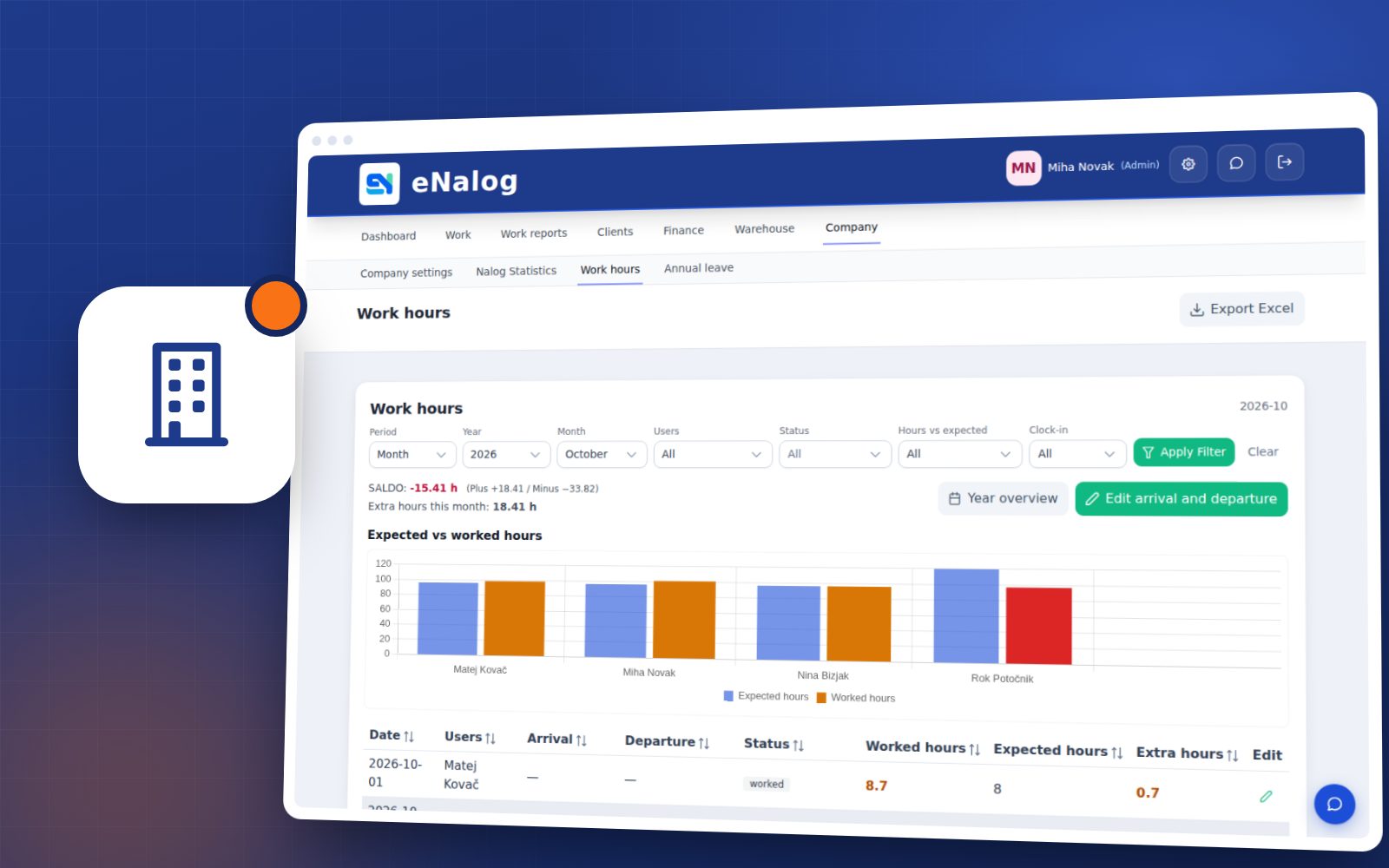
Arrival and departure by phone or NFC point, with no weekly timesheets or retyping.
Assigning to crews
Assign a work order to a worker, and the whole crew can record time on it. Everyone sees their own work for today.
Leave and absences
Leave requests, sick leave and an overview of who's available this week.
Quotes and signatures
Quotes the customer accepts via a link, and a signing workflow for documents.
Billing for work done
Hours and materials from work orders go onto the invoice, with the service date covering the whole month.
How it works in practice
Service businesses
Quote
Prepare a quote, and the customer confirms it via a link.
Work order for the site
The quote becomes a work order with the job address and crew.
Work in the field
The crew records arrivals, hours and photos by phone.
Billing
At the end of the job or month, invoice the hours worked.
Frequently asked questions
Service businesses
By phone: they clock in on arrival and out on departure, or scan an NFC tag or QR code at the site.
Yes. Each worker records their own time on the work order, and you see the total hours and each person’s hours.
Yes. Set the service month on the invoice and transfer the hours from the work log onto it.
Related industries
Try eNalog in your line of business
Free for 14 days, no card required. Choose your industry when you sign up and set up everything else as you go.