
Industries · Production and sales
Retail: sales, stock and working hours in your shop
Counter sales with fiscalised invoices, stock with stocktaking, and working time records for your sales staff.
What changes
Less searching, phoning and retyping
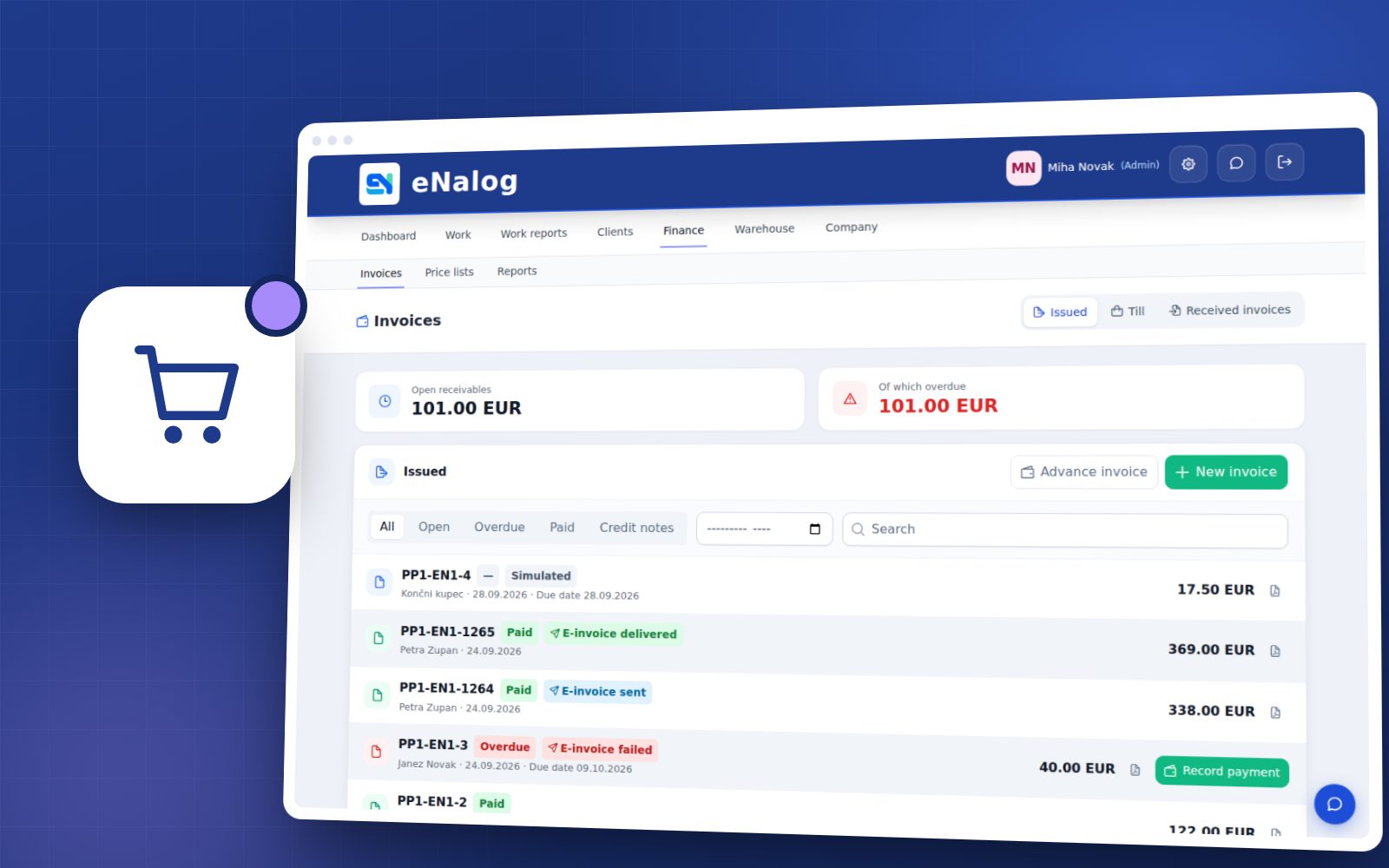
Counter sales
A quick invoice without a work order, including line discounts.
Stocktaking
Count and reconcile stock in a few steps.
Rota and hours
Sales staff arrivals, departures and leave.
Features for your business
Production and sales
Retail, online sales, food, textiles, printing, chemicals and the wood industry.
Orders as work orders
Every customer order is a work order: what, for whom, by when and who's preparing it.
Stock and goods receipts
Items, goods receipts, stocktaking and reorder alerts for suppliers.
Counter sales
Quick sales without a work order, with a fiscalised invoice.
Price lists
Price lists with validity dates, imported from Excel, Minimax or OPPIS.
Employee working hours
Arrivals and departures, leave and a monthly hours overview for payroll.
Invoices and export
Fiscalised invoices (FURS), e-invoices, supplier invoices and export for accounting.
How it works in practice
Retail
Order
Record the order as a work order or a quote.
Preparation
The team sees what needs preparing, and materials are deducted from stock.
Collection or delivery
The customer is notified when the order is ready.
Invoice
Invoice from the work order or at the counter – the data goes into the accounting export.
Frequently asked questions
Retail
Yes. Counter sales issue a fiscalised invoice without opening a work order.
Yes. Import your price list from Excel or CSV, including exports from Minimax and OPPIS.
Enter or import supplier invoices (e-SLOG, PDF), and receive the goods into stock at the same time if you like.
Related industries
Try eNalog in your line of business
Free for 14 days, no card required. Choose your industry when you sign up and set up everything else as you go.