
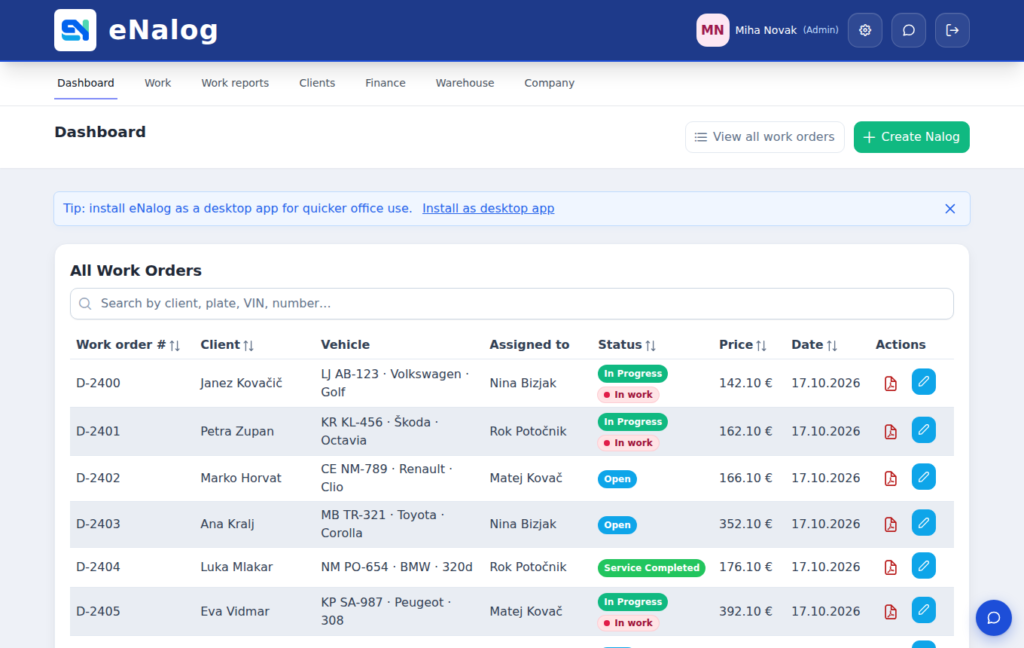
Paper work orders work fine while the workshop is small. Once you have more customers, more vehicles and more people, the hunt for slips begins, along with retyping into the computer and questions about who did what. The good news: you can move to digital work orders in one week.
Day 1: basic setup
Enter your company details, choose your industry and add your colleagues. When you choose an industry, eNalog sets up the right work order fields for you – vehicle and mileage for a car repair shop, job address for installers, serial number for device servicing. If your price list is in Excel, import it.
Day 2: one counter, one person
Don’t roll out everything at once. On the first day, only the person at reception opens new work orders. Paper work orders can run in parallel for a few more days, but every new work order is already in the system.
Day 3: a kiosk in the workshop
Put a tablet or computer in the workshop. Workers sign in with a card or PIN, pick a work order and start work. No typing, just a tap. That’s exactly why workers accept it: it makes their job easier, not harder.
Day 4: phones for photos
Every work order has a QR code. Scan it with a phone and you can photograph the VIN, the odometer, damage or the finished work. The photos appear on the work order on the computer straight away.
Day 5: first invoices from work orders
Once a work order is closed, you issue the invoice from it. Services and parts are already entered, the invoice is fiscalised and emailed to the customer. This is where you save the most time: no more retyping.
After the first week
Once the team is working with work orders, add what you need: online bookings, warehouse, digital inspections or arrival and departure records. You switch on each module separately, when you’re ready.
What to watch out for
- Choose one person to answer the team’s questions during the first week.
- Drop paper as soon as everyone is using the software, or people will slip back into old habits.
- After two weeks, look at the hours report: for the first time, you’ll see where the time goes.