


Industries · Machines and machinery
Agricultural and construction machinery: machinery servicing with operating hours
Tractors, excavators and attachments have their own service log with operating hours. Parts come from the warehouse, and technicians record their time in the field too.
What changes
Less searching, phoning and retyping
Operating hours
Enter the hours at every service, so the machine's history is always at hand.
On-site service
The technician records arrival at the customer and the work done by phone.
Parts from the warehouse
Parts used on work orders and orders to suppliers.
Features for your business
Machines and machinery
Agricultural and construction machinery service, metalworking, machining and manufacturing.
Work order with machine
The customer's machine or equipment with serial number and operating hours, plus its full service history.
Parts warehouse
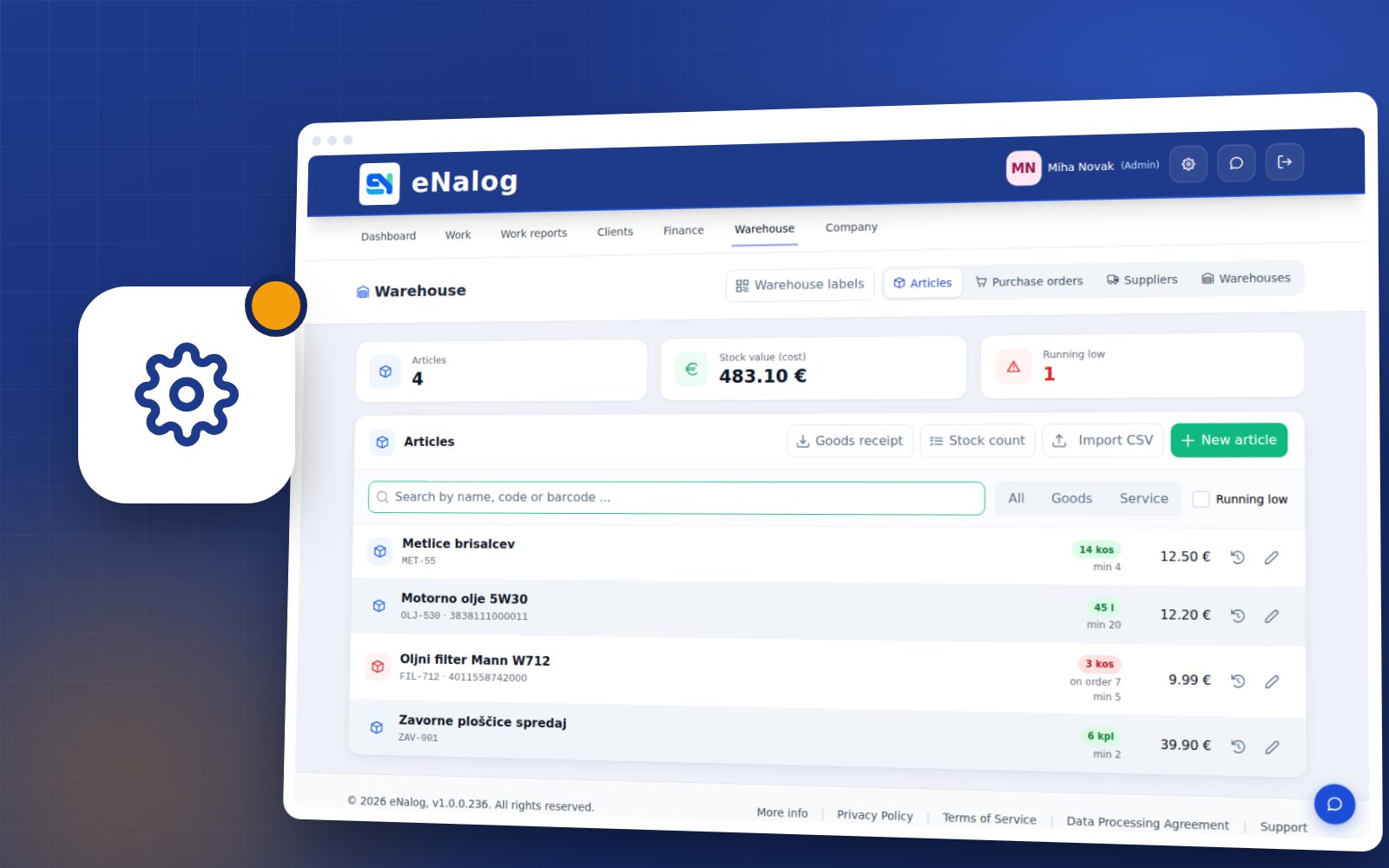
Stock, goods receipts, usage on work orders and an alert when stock falls below the minimum.
Time by work order
Every worker records time on the work order, and you see actual hours against planned hours.
Arrivals and departures
Working time records at the kiosk, by card or PIN, with no paper timesheets.
Quotes
Send a quote by email, the customer accepts it via a link, and it becomes a work order.
Reports
Revenue, hours by worker, margin on parts and most frequent services.
How it works in practice
Agricultural and construction machinery
Machine intake
Enter the machine, operating hours and fault description on the work order.
Planning the work
Assign the work order to a technician; parts are reserved from the warehouse.
Carrying out the work
The technician records time and parts used, and adds photos by phone.
Completion
Invoice from the work order – the machine’s service log updates itself.
Frequently asked questions
Agricultural and construction machinery
Yes. Enter the operating hours on the work order, so you can see when the machine was last serviced and at how many hours.
Yes. The advanced warehouse (Premium plan) handles multiple warehouses, transfers between them and stock by location.
Yes. On the work order you choose a machine or a vehicle, depending on what’s in for service.
Related industries
Try eNalog in your line of business
Free for 14 days, no card required. Choose your industry when you sign up and set up everything else as you go.